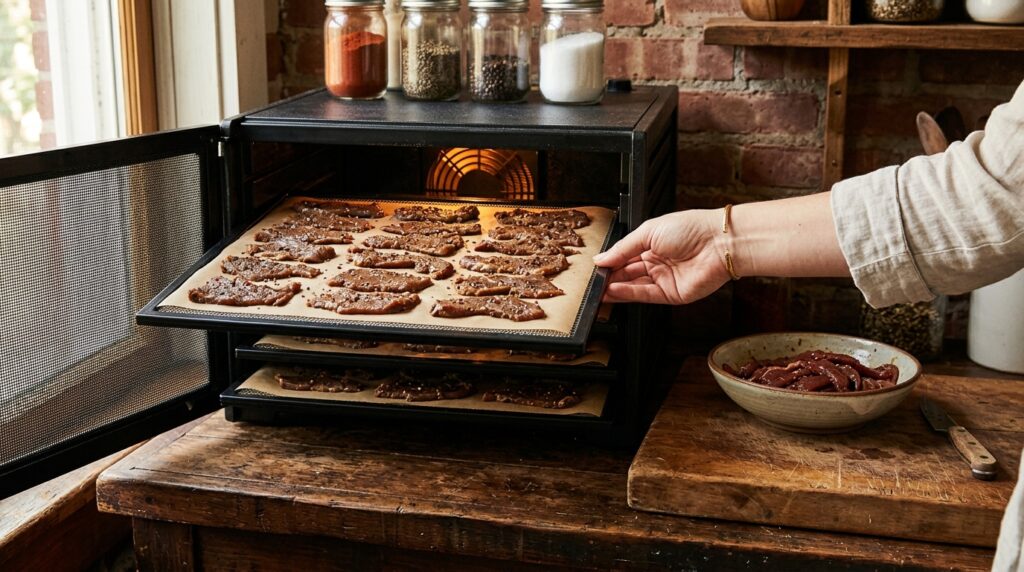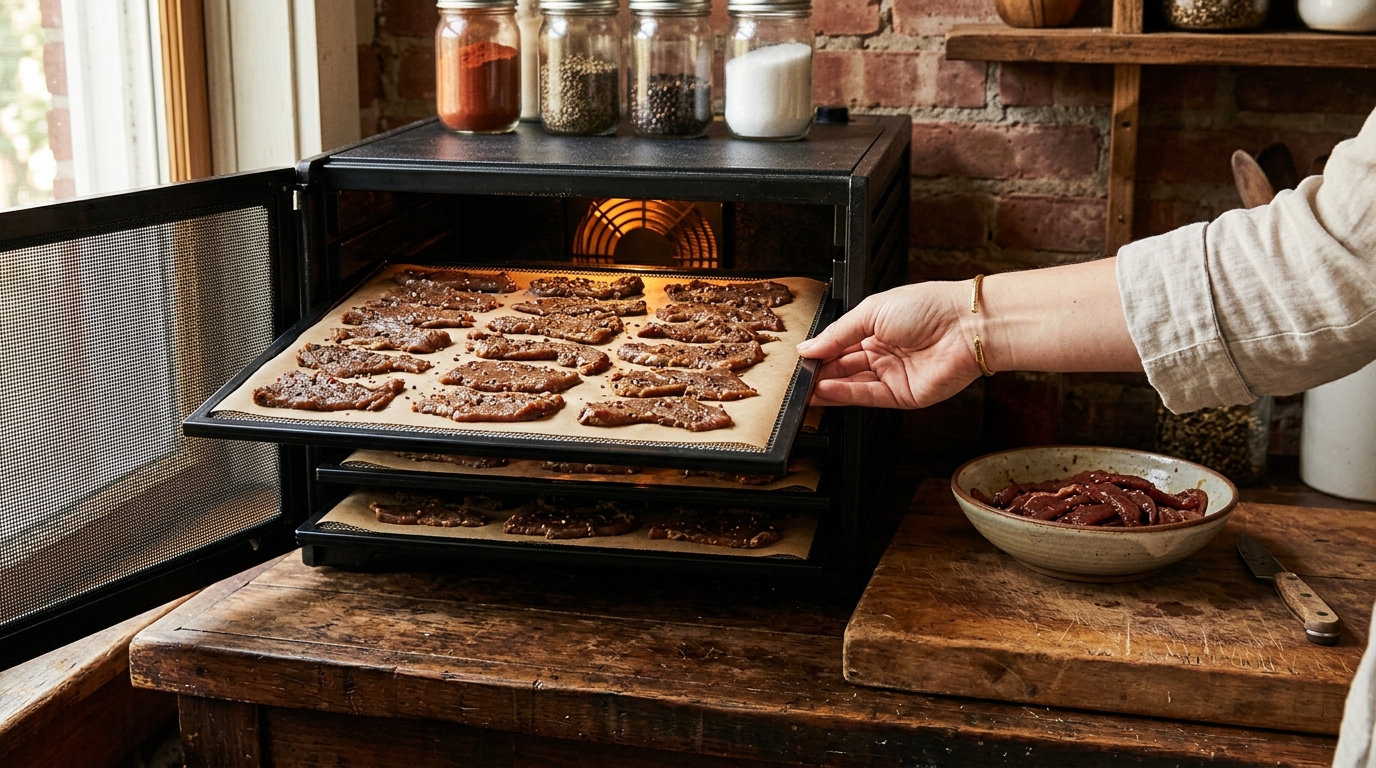
I preheat my dehydrator for jerky when the machine’s instructions allow it. It gives me a more predictable start, especially when the room is cool. But warming an empty cabinet does not cook the beef you put inside it. After eight years and 400-plus batches, that is the distinction I want clear before anybody starts a timer.
With three kids and a Milwaukee garage jerky setup, I care about repeatable batches more than fancy equipment. A slow start can throw off your drying estimates, but the fix is not automatically a longer preheat. Here is how I separate normal warm-up, overloaded trays, and a machine that cannot hold its temperature.
The Short Answer
Yes, preheat your dehydrator for jerky if the manufacturer permits or recommends it. Use the drying setting specified by your safe jerky method and let the chamber reach that temperature before loading. There is no universal ten-minute or thirty-minute rule: cabinet size, room temperature, tray configuration, and heater output all affect warm-up. Follow the manual’s timing where provided; otherwise, use a suitable thermometer to check readiness.
Keep two jobs separate. USDA FSIS home jerky guidance recommends heating meat to an internal 160°F, or poultry to 165°F, before dehydration, then maintaining 130–140°F during drying. Steam or roast and verify with a food thermometer. Those internal temperatures refer to the meat, not the dehydrator display. A preheated machine does not replace that heating step.
What if the manual says to load before starting?
Follow the appliance’s operating instructions. Do not run a base without the required trays or improvise an empty-running procedure. A machine that starts loaded can still be useful when your overall jerky method includes proper meat heating and the appliance maintains the required drying conditions. Preheating is an operating habit, not a universal test of whether jerky is safe.
This guide focuses on starting sliced beef jerky. Ground-meat strips need a suitable tested process of their own. For choosing the drying temperature, see what setting to use on a dehydrator for jerky. Here, the question is whether the machine reaches and holds the setting you intend to use.
What Is Causing the Problem
When someone says, “My jerky took forever because I forgot to preheat,” I want to know what happened after loading. Warm-up is only one part of the job. The appliance also has to move moisture away while replacing heat lost through its vents and walls. A cabinet that warms quickly when empty can struggle with a full batch.
- The cabinet starts cold. The heater warms the chamber, trays, and incoming air. A cold room increases that initial workload and ongoing heat loss.
- The load changes the conditions. Adding trays and meat, opening the door, and introducing moisture can pull the measured air temperature down. An empty-machine reading does not describe a loaded machine.
- Evaporation cools the meat. As surface moisture turns into vapor, it carries heat away. The strip can be cooler than the surrounding air.
- Airflow gets restricted. Overlapping strips, covered vents, or unsuitable solid liners slow moisture removal. More empty preheat time cannot open those blocked paths.
FSIS explains that evaporative cooling helps account for why dehydrator air temperature cannot establish the meat’s internal temperature. It also warns that bacteria surviving drying become more heat resistant. That is why “the dial was on 160°F all afternoon” is not proof that a raw strip received the recommended heating step. Read the FSIS explanation of jerky temperatures before treating the appliance as a cooker.
Preheating improves the starting point
I used to give too much credit to a longer warm-up when a batch came out better. Then I would notice I had also loaded fewer trays or sliced the beef thinner. Changing three things makes it hard to learn anything. Now I keep the load and slice thickness similar before deciding whether a warm-up change helped.
Do not expect a guaranteed time savings. Some of preheating’s benefit is simply moving appliance warm-up ahead of loading. It makes batch notes easier to compare, but it cannot make a thick strip dry like a thin one. Nor does a fast-rising display prove that every tray position is equally warm.
How I Fix It Batch to Batch
I organize the start so the dehydrator is ready when the meat finishes its separate heating step. That avoids standing around with cooked strips while discovering the appliance is unplugged or the trays are still dirty. My routine is deliberately boring:
- Prepare a manageable load. Choose lean eye of round, top round, or bottom round. Trim visible fat and aim for uniform slices no thicker than 1/4 inch.
- Set up the appliance first. Install components required by the manual, clear the vents, and start the permitted warm-up at the intended drying setting.
- Complete the meat-heating step. Follow a tested preparation method, use a suitable food thermometer, and have clean trays and utensils ready for the heated strips.
- Load promptly and check recovery. Arrange one layer with gaps, close the machine, and observe whether the chamber returns to the required drying conditions.
For preparation details, NDSU Extension’s jerky guide explains the value of lean meat, thin slices, and thermometer checks. Keep raw-meat tools separate from tools handling heated strips. A carefully warmed dehydrator does not compensate for putting cooked meat back onto a dirty cutting board. Keep meat refrigerated during advance preparation; warming the appliance is not a reason to leave raw strips on the counter.
Watch the thermometer instead of inventing a countdown
For an unfamiliar machine, check the chamber at intervals during its first permitted empty warm-up. Look for a reading that settles around the target over several observations; thermostats can cycle, so one fleeting number tells you little. Record approximately how long this takes in your room. Treat that as a planning estimate for the next batch, not a safety guarantee.
After loading, expect the reading to change. Keep the door closed while observing recovery through a window or remote display when possible. Repeatedly opening the cabinet to see whether it is hot changes the condition you are measuring. If it cannot recover, investigate the load and appliance instead of repeatedly resetting the timer.
Keep the batch economical without crowding it
My cost-saving rule is to buy lean meat that leaves usable slices, not simply the cheapest package. As hypothetical math, a $5-per-pound roast with 20% trimming loss costs $6.25 per usable pound before drying. That makes a slightly more expensive, leaner roast worth comparing. Track your own trimming and finished yield instead of assuming every bargain package produces the same amount of jerky.
Do not squeeze another pound onto crowded trays to “save a run.” Plan a smaller batch and refrigerate the remaining raw meat for a separate session. I would rather schedule two predictable loads than spend the evening moving damp strips around an overloaded machine. Longer empty preheating will not create more drying area.
What to Check First
Before buying a replacement dehydrator, work through four checks. They help distinguish a start-up problem from a loading problem or an appliance fault.
- Check what the display reports. Some screens show the selected setting. Consult the manual before assuming you are seeing measured chamber temperature.
- Check thermometer placement. Measure tray-level air without the sensor touching meat, a wall, a metal tray, or a heating element.
- Check the operating environment. Use the appliance within its specified room-temperature range and with its required clearance. A chilly garage may be outside its intended conditions.
- Check load and ventilation. Look for overlapping strips, blocked openings, excess trays, and liners the manufacturer does not approve for this use.
The National Center for Home Food Preservation’s dehydrator guidance identifies the heater, fan, and vents as the basic system. That is why I troubleshoot temperature and airflow together. A louder fan or hotter dial setting does not tell me that the meat is drying evenly.
| What you notice | What to investigate | Practical next step |
|---|---|---|
| Slow warm-up before loading | Cold surroundings, incorrect setup, or heater trouble | Check the manual’s environment and assembly requirements; test with a separate thermometer. |
| Reaches temperature empty but stays low when loaded | Excessive load, obstructed airflow, or insufficient heating performance | Check spacing and vents. Do not continue relying on a machine that cannot maintain the required process. |
| Temperature looks right but drying is uneven | Slice thickness, tray position, and crowding | Compare similar strips in different positions before changing the preheat routine. |
| Brittle edges with soft, thick sections | Uneven slicing or a drying process needing adjustment | Standardize thickness and follow the tested method; extra warm-up is unlikely to solve it. |
Spend on measurement before another machine
As an Amazon Associate, I earn from qualifying purchases. A digital oven thermometer with an air-temperature probe helps check the chamber. Choose one whose stated operating range covers your drying temperature and whose probe arrangement fits your dehydrator. Do not force a cable through a door if it prevents proper closure.
A thin-tip instant-read food thermometer does a different job: checking meat during the heating step. Insert it sideways into a thin strip so the sensing area sits within the meat, following the thermometer’s instructions. A thick probe that cannot fit inside the strip is a poor match. Clean the probe between uses and check several thicker pieces.
Neither purchase has to connect to your phone. I want a readable display, an appropriate range, and instructions explaining the sensing area. If you already own thermometers that do those jobs, use them. Another dehydrator is an expensive answer to a measurement problem.
Record the start that actually happened
Write down loading time separately from the moment you switched the empty machine on. Include batch weight, slice thickness, tray count, drying setting, observed temperature, and unusual recovery behavior. Those notes explain more than “six hours, pretty good.” Once your starts are consistent, texture comparisons become useful.
Evaluate a cooled sample rather than judging only a hot, flexible strip. NDSU describes finished jerky as cracking when bent without breaking, with no moist interior spots. That checks texture, not safe processing. For persistent tray differences, use the separate guide to jerky that is not drying evenly.
When to Toss It and Start Over
Forgetting an optional empty preheat does not automatically ruin a batch. Evaluate the actual handling, meat-heating step, and drying performance. Meat left on the counter while you troubleshoot is a different problem. USDA says to discard perishable food left out beyond two hours, or one hour above 90°F. See its danger-zone guidance. That counter-holding limit is not a two-hour limit on a properly conducted jerky drying process.
If still-moist meat sat in a failed or switched-off dehydrator for an unknown period, I discard it rather than invent a rescue schedule. If raw meat already dried without a verified safety process, do not assume extra drying or an improvised oven finish fixes it; seek guidance from your local Extension office or discard it. Mold, slime, or an off odor also means discard, and normal smell cannot establish safety. With three kids reaching into the snack container, an uncertain batch is not where I recover grocery money.
Bottom Line
I preheat when the manual allows it because a repeatable starting temperature makes the batch easier to manage. The useful endpoint is a chamber that reaches its intended setting and recovers after loading. Adding arbitrary warm-up minutes is a weak fix for crowded trays, inconsistent slices, or inadequate heat.
For your next batch, get the appliance ready before the heated meat needs it, verify both temperatures with the right tools, and record the loading time. Keep the load modest until you know how the machine behaves. That gives you something useful to repeat—and something specific to change if the jerky disappoints.